chirstmas tree Christmas Mega Sale – Enjoy Up to 50% OFF on Every Plan! Get Now chirstmas snow

Import and Export Settings in W3Speedster for Multiple Sites

Import and Export Settings in W3Speedster for Agencies

W3Speedster import/export settings are the two controls on the Import/Export tab. They let you download a full configuration file from one site and upload it to another. The feature lives on its own Import/Export tab, with just two controls: a file upload and a download link. This guide is written for agencies and freelancers running […]

Read More…

Cache Management in W3Speedster: Purge, Preload & Clear Cache

Cache Management in W3Speedster: Cache Tips

Cache management in W3Speedster is the set of controls for clearing cached HTML, combined CSS/JS files, and critical CSS. The Cache tab holds three buttons. A separate admin bar integration adds purge controls to every page on the site. This guide is written for WordPress site owners. It’s for anyone who needs a clear cache […]

Read More…

How to Use Exclusions in W3Speedster Without Breaking Site

How to Use Exclusions in W3Speedster: Safe Setup

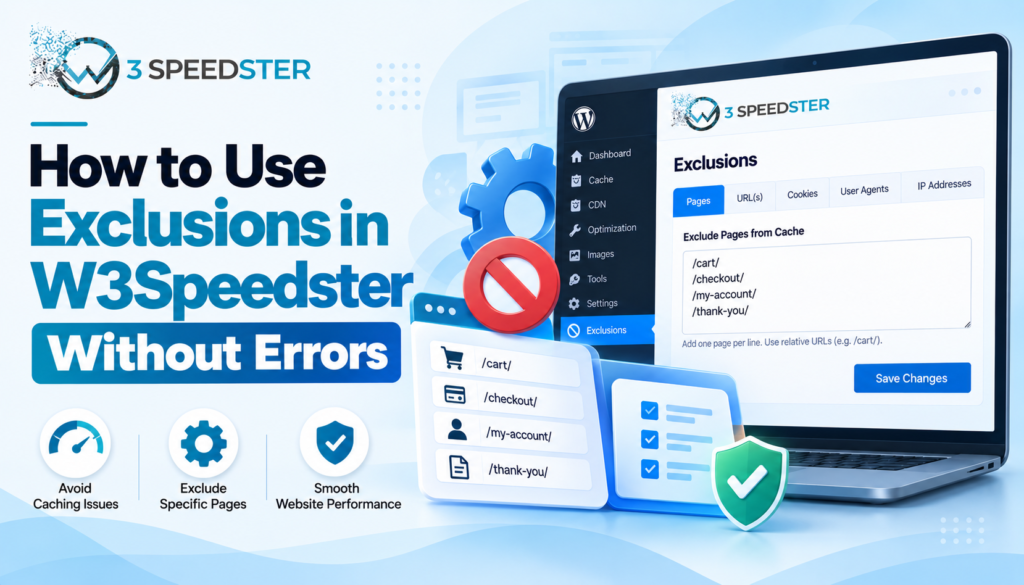
W3Speedster exclusions are rules that stop specific pages, scripts, styles, or media from being optimized. The Exclusions tab groups ten separate fields into four sections: Media, CSS, JS, and Pages. This guide is written for WordPress site owners troubleshooting a plugin conflict fix or a broken layout after optimization. These advanced optimization settings matter most […]

Read More…

JavaScript Optimization in W3Speedster: Full Guide

JavaScript Optimization in W3Speedster: Setup Guide

JavaScript optimization in W3Speedster is the process of minifying, combining, and deferring script execution to speed up page rendering. The tab covers three settings: Enable JavaScript Optimization, Lazyload JavaScript, and Load Inline JavaScript as URL. This guide is written for WordPress site owners and developers. It’s for anyone who wants to defer JS and improve […]

Read More…

CSS Optimization in W3Speedster: Best Settings Guide

CSS Optimization in W3Speedster Best Settings Guide

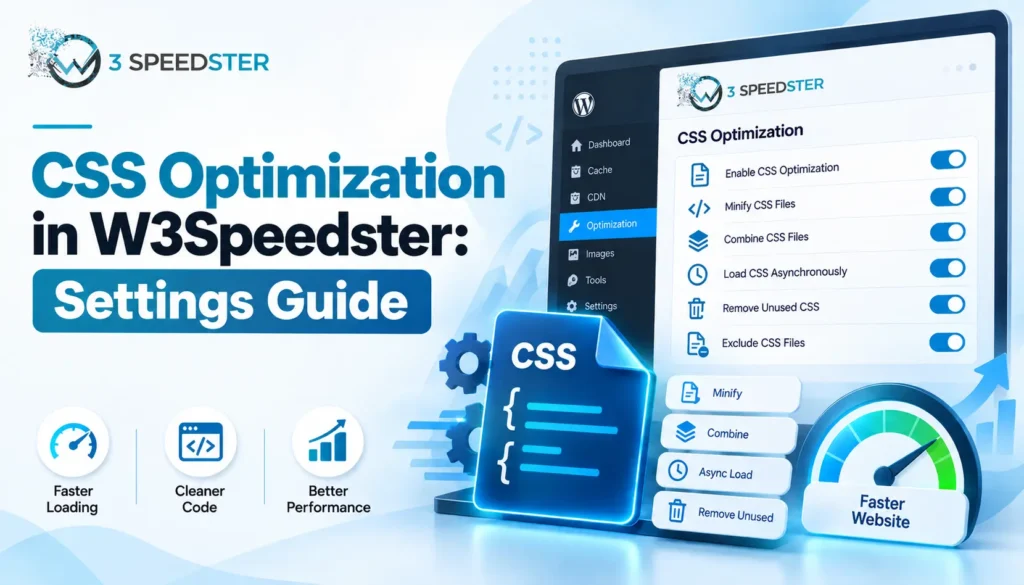
CSS optimization in W3Speedster is the process of reducing stylesheet size and request count to speed up page rendering. It covers four settings on one tab. These are Enable CSS Optimization, Localize Google Fonts, Load Critical CSS, and Load Style Tag in Head to Avoid CLS. This guide is written for WordPress site owners and […]

Read More…

W3Speedster Image Optimization Settings Explained

W3Speedster Image Optimization: Settings Guide

Disclosure: This W3Speedster Image Optimization Setting guide is based on direct testing of the W3Speedster plugin. It contains no sponsored content, affiliate links, or paid placements. Quick Answer: Image optimization is the process of reducing image file size and load time without a visible drop in quality. W3Speedster works as an optimize images plugin covering […]

Read More…

How to Configure W3Speedster CDN Settings

W3Speedster CDN Settings: Configuration Guide

Disclosure: This W3Speedster CDN Settings guide is based on direct testing of the W3Speedster plugin. It contains no sponsored content, affiliate links, or paid placements. Quick Answer: A CDN, or content delivery network, is a system of servers. It delivers static files from a location close to each visitor. To configure W3Speedster CDN settings, go […]

Read More…

W3Speedster General Settings Explained for Beginners

W3Speedster General Settings: Beginner's Guide

Disclosure: This W3Speedster General Settings Beginners guide is based on direct testing of the W3Speedster plugin. It contains no sponsored content, affiliate links, or paid placements. Quick Answer: W3Speedster general settings are the core controls on the General tab. These are the WordPress optimization settings you’ll touch first after installing the plugin. They include License […]

Read More…

W3Speedster
Privacy Overview

This website uses cookies so that we can provide you with the best user experience possible. Cookie information is stored in your browser and performs functions such as recognising you when you return to our website and helping our team to understand which sections of the website you find most interesting and useful.