chirstmas tree Christmas Mega Sale – Enjoy Up to 50% OFF on Every Plan! Get Now chirstmas snow

W3Speedster Image Optimization Settings Explained
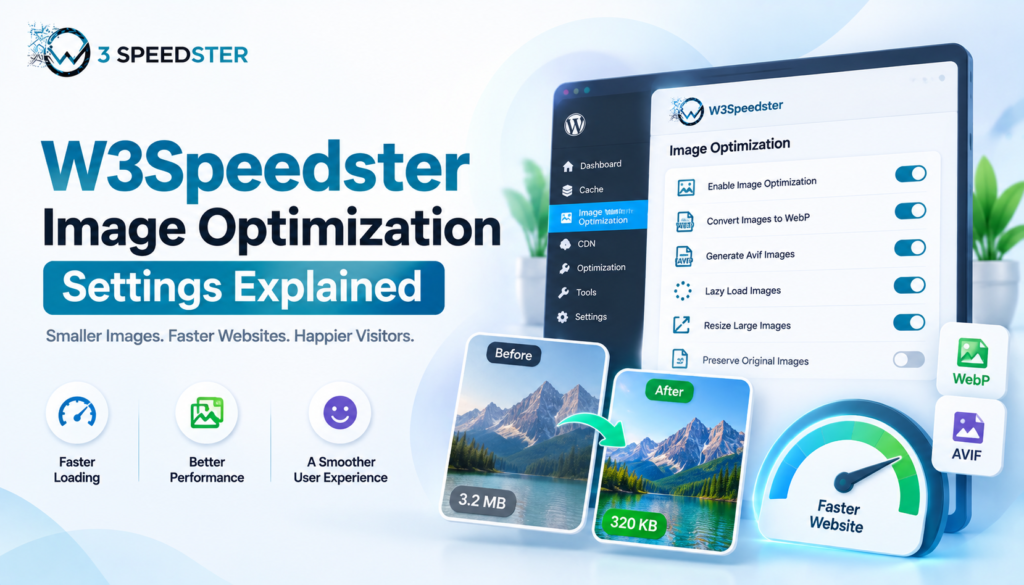
W3Speedster Image Optimization: Settings Guide

Disclosure: This W3Speedster Image Optimization Setting guide is based on direct testing of the W3Speedster plugin. It contains no sponsored content, affiliate links, or paid placements. Quick Answer: Image optimization is the process of reducing image file size and load time without a visible drop in quality. W3Speedster works as an optimize images plugin covering […]

Read More…

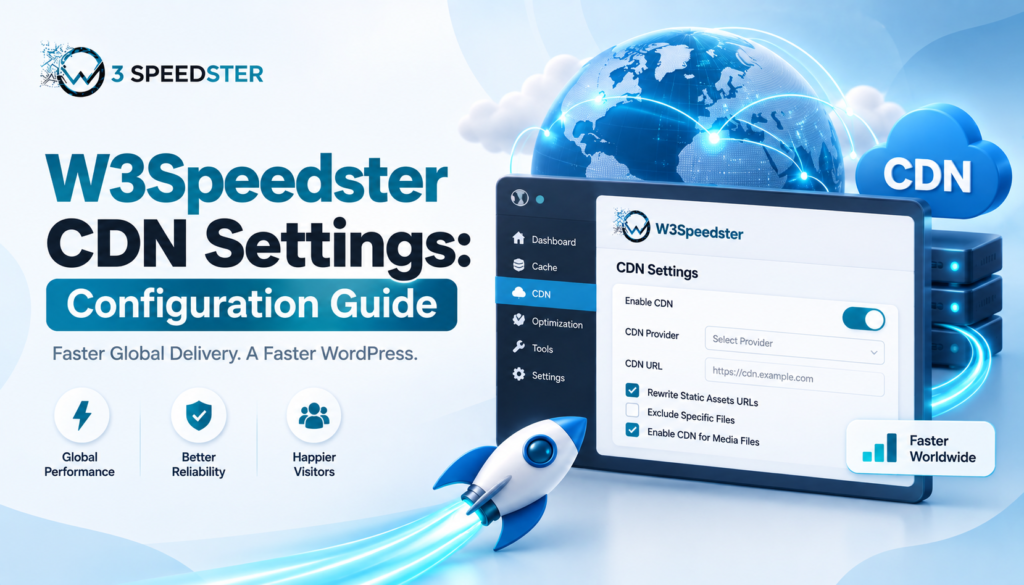
How to Configure W3Speedster CDN Settings

W3Speedster CDN Settings: Configuration Guide

Disclosure: This W3Speedster CDN Settings guide is based on direct testing of the W3Speedster plugin. It contains no sponsored content, affiliate links, or paid placements. Quick Answer: A CDN, or content delivery network, is a system of servers. It delivers static files from a location close to each visitor. To configure W3Speedster CDN settings, go […]

Read More…

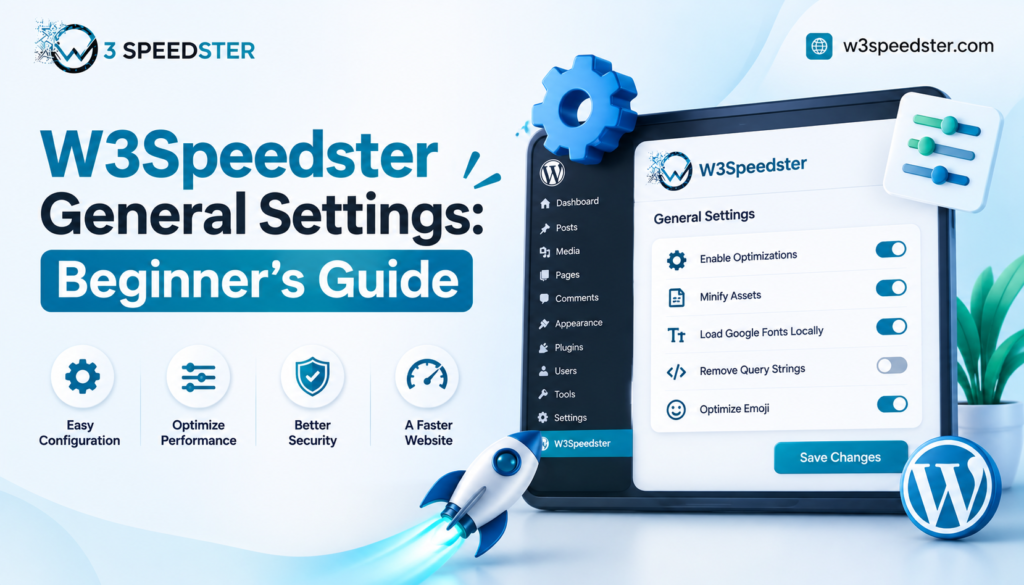
W3Speedster General Settings Explained for Beginners

W3Speedster General Settings: Beginner's Guide

Disclosure: This W3Speedster General Settings Beginners guide is based on direct testing of the W3Speedster plugin. It contains no sponsored content, affiliate links, or paid placements. Quick Answer: W3Speedster general settings are the core controls on the General tab. These are the WordPress optimization settings you’ll touch first after installing the plugin. They include License […]

Read More…

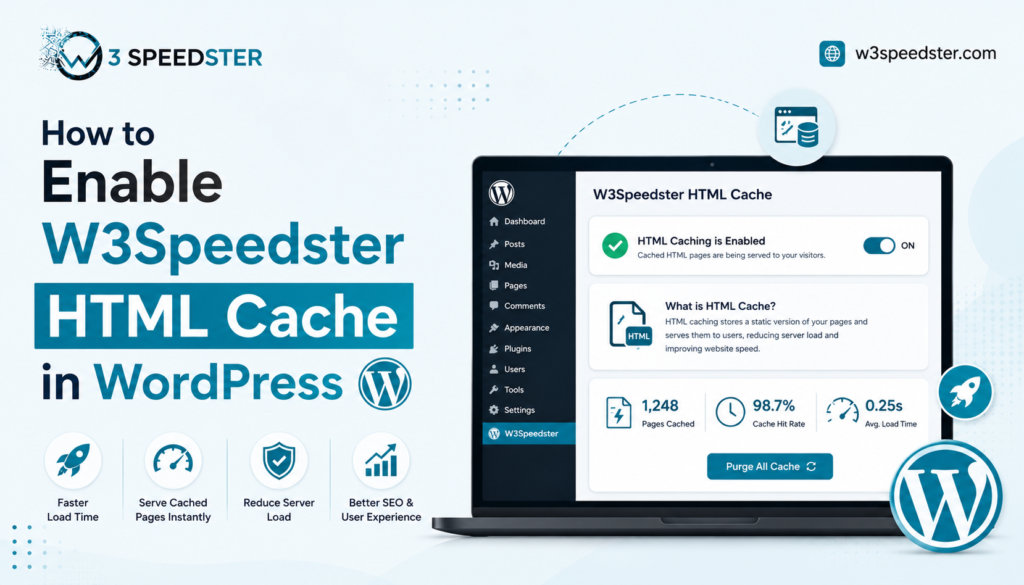
How to Enable W3Speedster HTML Cache

W3Speedster HTML Cache Setup: Complete Guide

Disclosure: This guide is based on direct testing of the W3Speedster plugin. It contains no sponsored content, affiliate links, or paid placements. Quick Answer: To enable W3Speedster HTML cache, go to the HTML Cache tab and toggle “Enable HTML Caching” on. This is the core setting behind faster page load times. Full-page HTML is then […]

Read More…

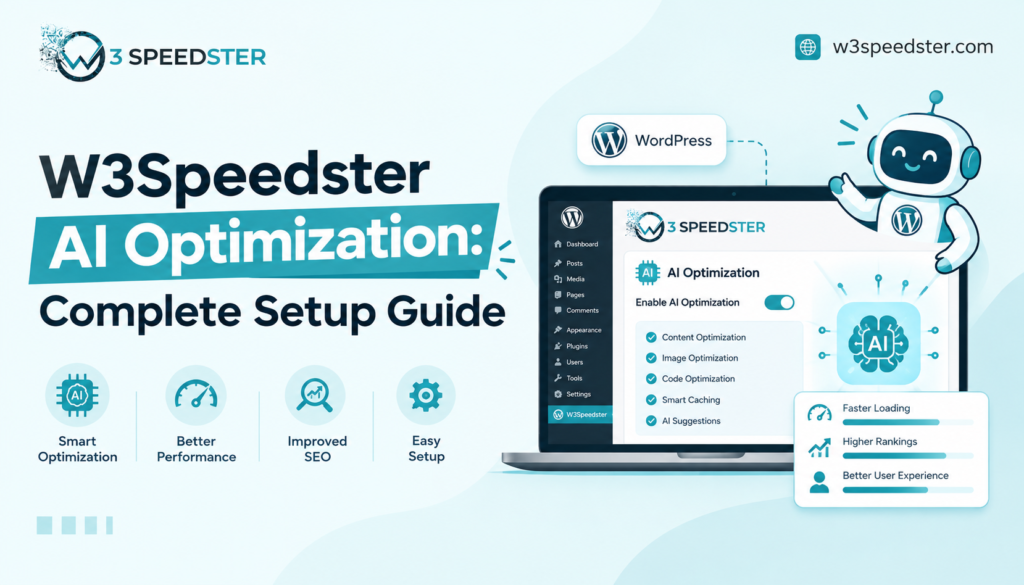
Optimize with AI in W3Speedster: Complete Setup Guide

Optimize with AI in W3Speedster: Setup Guide

Disclosure: This guide is based on direct testing of the W3Speedster plugin. It contains no sponsored content, affiliate links, or paid placements. Quick Answer: W3Speedster AI optimization applies seven settings automatically. These include HTML caching, CSS optimization, critical CSS, lazy loading, and WebP conversion for JPG and PNG files. Toggle “Enable AI Optimization” on the […]

Read More…

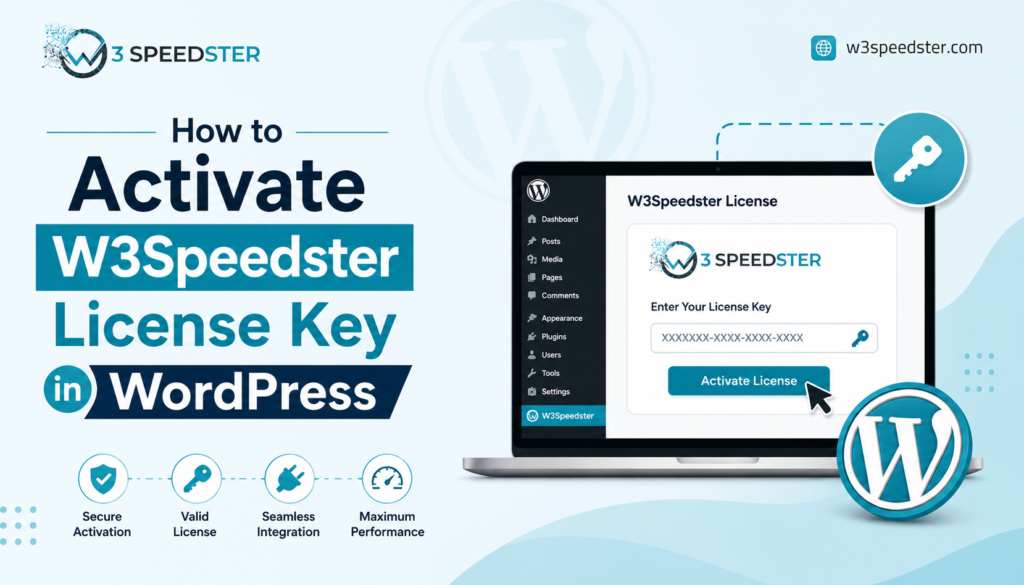
How to Activate W3Speedster License Key Properly

W3Speedster License Activation: How to Activate and Verify

Disclosure: This guide is based on direct testing of the W3Speedster plugin. It contains no sponsored content, affiliate links, or paid placements. Quick Answer: To complete W3Speedster license activation, paste the license key into the “License Key” field on the General tab. Click “Activate.” A green checkmark confirms success within about 5 seconds. An invalid […]

Read More…

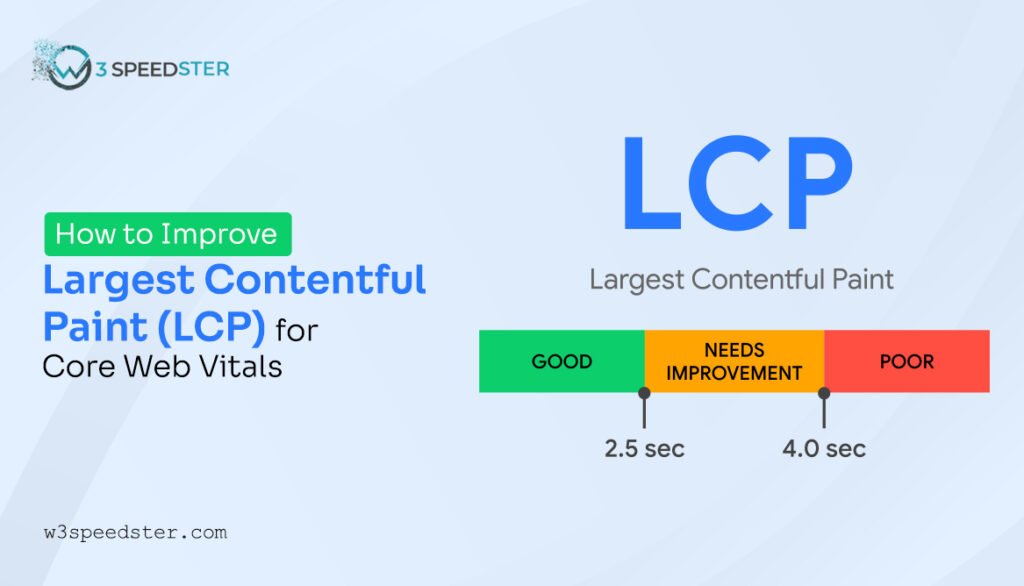
How to Fix Largest Contentful Paint (LCP) Issue in WordPress & Shopify?

Improve LCP score

Largest Contentful Paint (LCP) shows how long it takes for the biggest part of your webpage to appear. Until this happens, you just see a mostly empty screen. This big part usually sits at the top, so if it loads slowly, your page feels slow too. LCP can be an image, text, video, or animation. […]

Read More…

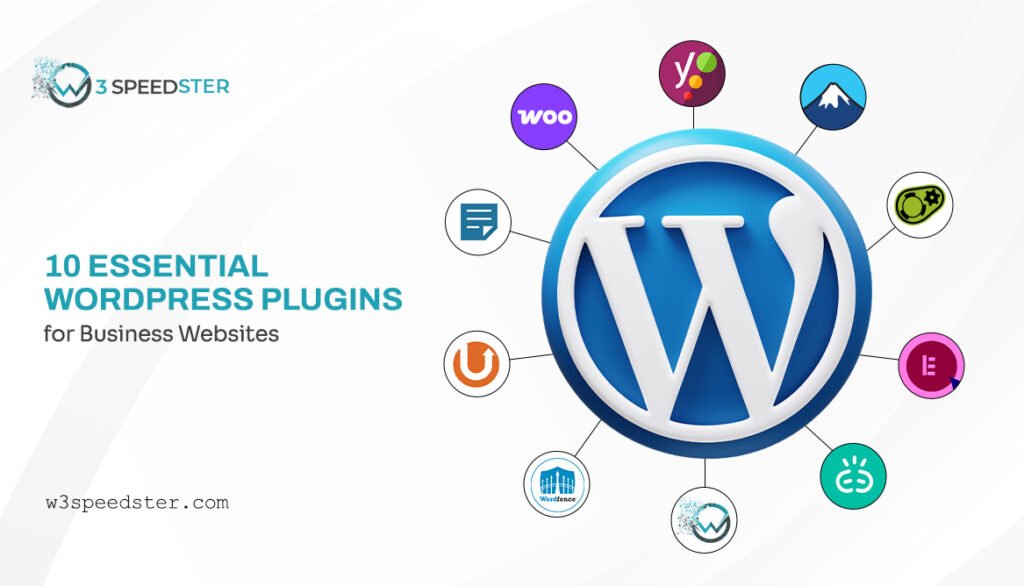
10 Must-Have WordPress Plugins for Business Websites in 2025

Must-Have WordPress Plugins

Running a business is no joke, and your website should be your biggest ally, not a headache. A slow, unsecured, or poorly optimized site can drive visitors away and hurt your brand. But don’t stress; WordPress plugins are here to save the day. From speed boosters and SEO power-ups to security shields, these tools fix, […]

Read More…

W3Speedster
Privacy Overview

This website uses cookies so that we can provide you with the best user experience possible. Cookie information is stored in your browser and performs functions such as recognising you when you return to our website and helping our team to understand which sections of the website you find most interesting and useful.